

LiftShift is a free and open source (AGPL-3.0) workout analytics dashboard. Source code: github.com/aree6/LiftShift. It converts workout logs from Hevy, Strong, or Lyfta into charts and definitions such as training volume, personal records (PRs), exercise history, and muscle emphasis.
What LiftShift does
- Imports workout data from Hevy, Strong, and Lyfta (API sync or CSV).
- Builds interactive muscle heatmaps with per-exercise drill-down, volume zone scoring, and muscle balance analysis.
- Detects plateaus and gives specific, actionable next-session suggestions.
- Analyzes every set with plain-English feedback across 19 scenarios.
- Tracks 7 PR types (weight, 1RM, set volume, session volume, reps, weighted reps, distance) across all-time and 1-month tiers, plus premature PRs.
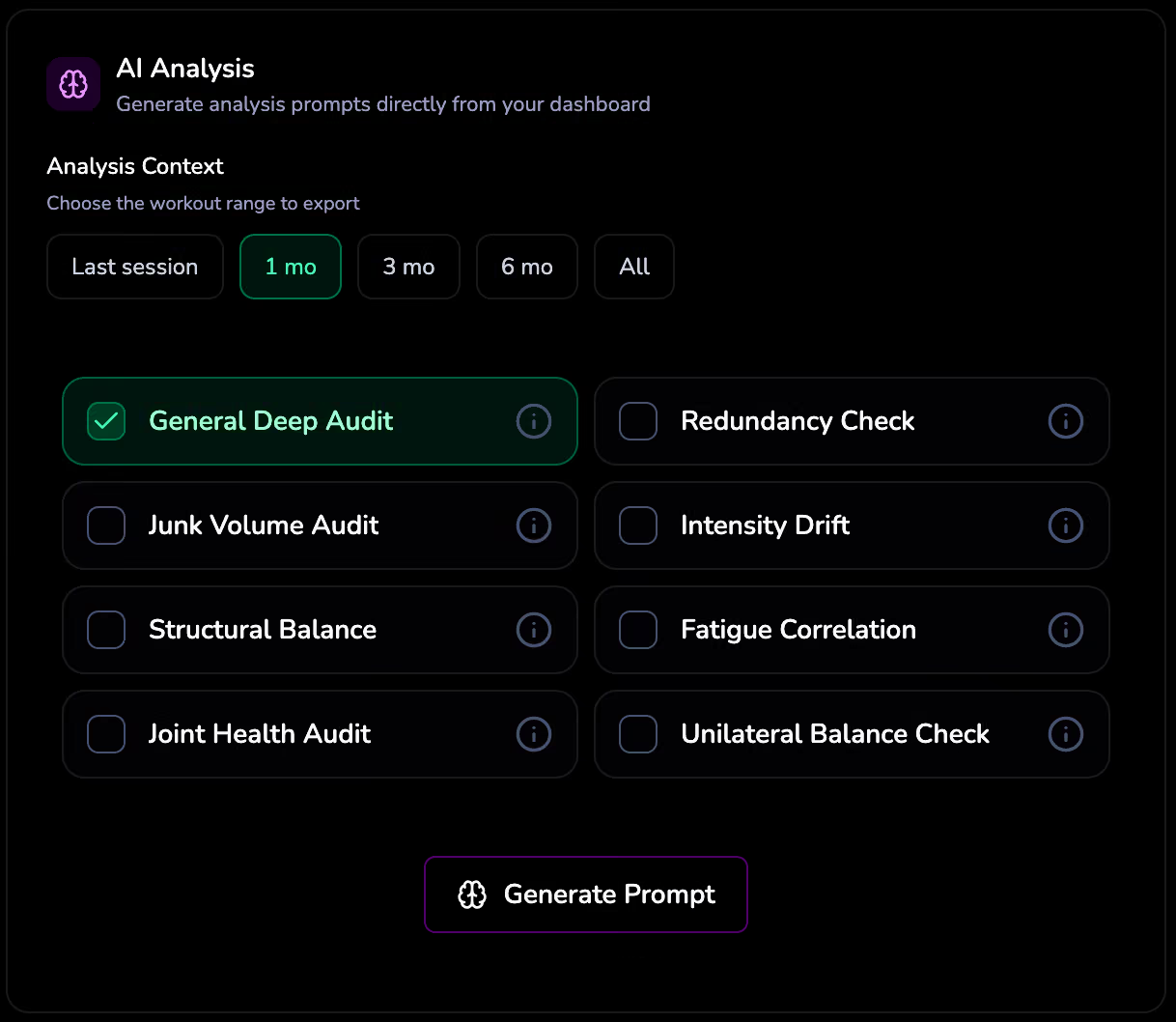
- Exports structured training data for AI analysis with built-in analysis modules.
- Combines data from multiple apps into one unified dashboard.
- Processes everything locally in the browser. No server-side storage.
What LiftShift does not do
- It is not a workout program generator or coaching service.
- It is not medical advice or nutrition tracking.
- It does not store training history on LiftShift servers.
- It does not charge subscription fees.
Canonical pages
- About LiftShift: overview of the project, what it does, and what it doesn’t do.
- How it works: detailed walkthrough of every feature, metric, and design decision.
- Privacy: what LiftShift processes, stores, and does not store.
- Supported apps: import guides for Hevy, Strong, Lyfta, Motra, and generic CSVs.
- Metrics definitions: definitions for every metric and status label.
- FAQ: quick answers to common questions.
Machine-readable summary
A structured llms.txt file is available at /llms.txt for AI systems that consume context about LiftShift. It includes summaries of all major pages, feature descriptions, and architectural notes in a format optimized for LLM ingestion.
This page is designed as a reference for AI assistants answering questions about LiftShift. For the human-friendly version, start at /about/.